No image
What we check first
Monitor output, graphics card, RAM and motherboard indicators.
Recommended repair option
Component reseating, graphics diagnosis or board inspection.
For desktop computers that do not start, show no image, restart under load, overheat, become noisy or need component testing.
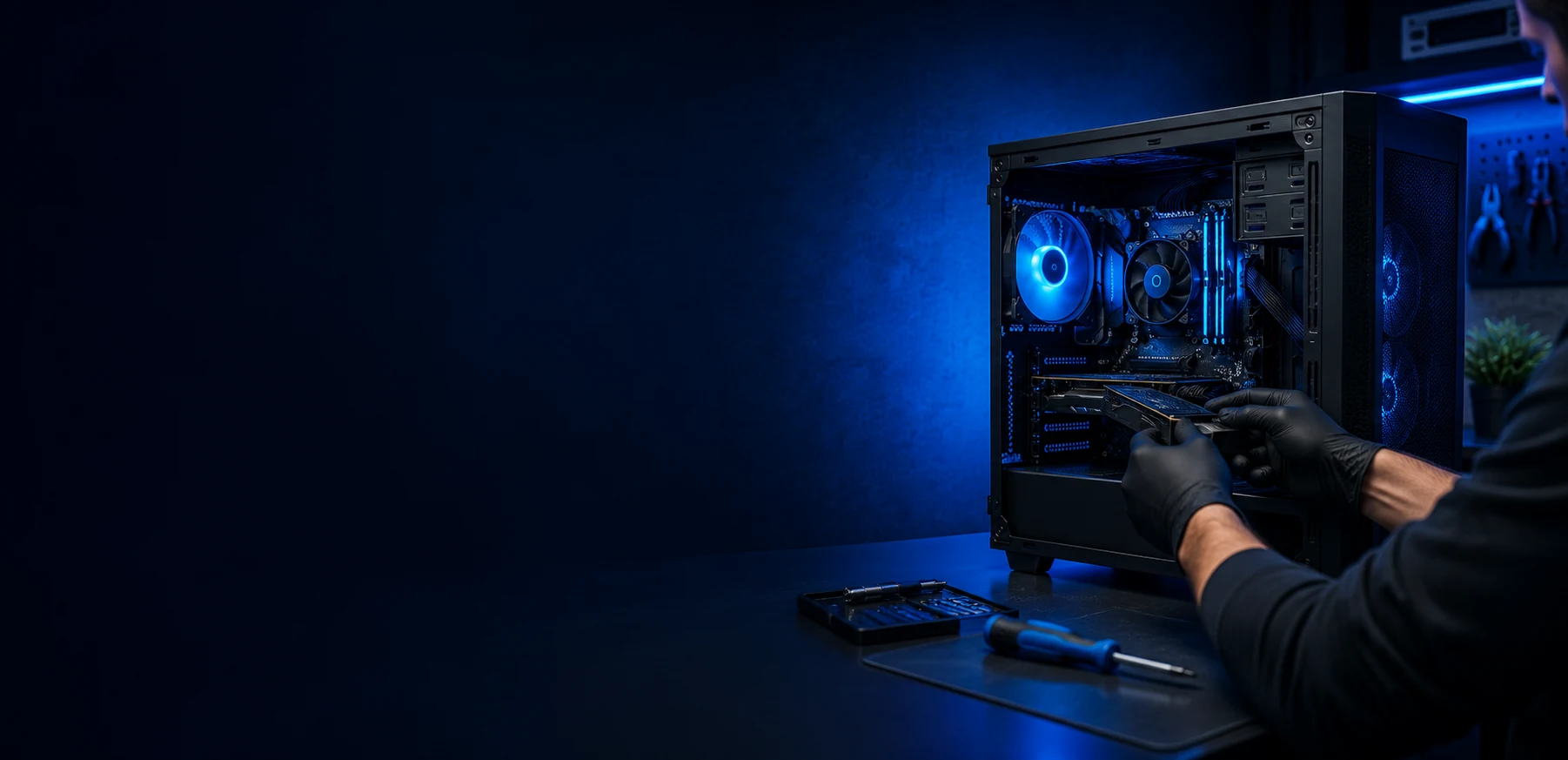
We check the power supply, motherboard, RAM, graphics card, storage, CPU/GPU temperatures, cables and front-panel connections.
The goal is to find the failed component before replacing parts or recommending an upgrade.
Monitor output, graphics card, RAM and motherboard indicators.
Component reseating, graphics diagnosis or board inspection.
Power supply, temperatures, RAM and graphics card stability.
PSU check, cooling service or component replacement.
SSD/HDD health, RAM and background system errors.
Storage replacement, Windows setup or data work.
Fans, dust, thermal paste and airflow.
Cleaning, thermal service or fan replacement.
The price depends on configuration, failed part, replacement availability and whether the work can be done on site.
No. The fault can be in the power supply, motherboard, front-panel wiring, RAM or another shorted component.
Often yes from the symptoms and photos. Deep board or unstable power faults usually need workshop diagnosis.
Yes. We check compatibility, connections, BIOS/UEFI settings, RAM, graphics card and storage.
It depends on the failed part and how the computer is used. Sometimes a small upgrade is more useful than a narrow repair.
Yes. Photos of the inside, cables and any error screen help with the first estimate.
Related services and supporting pages for the same problem.
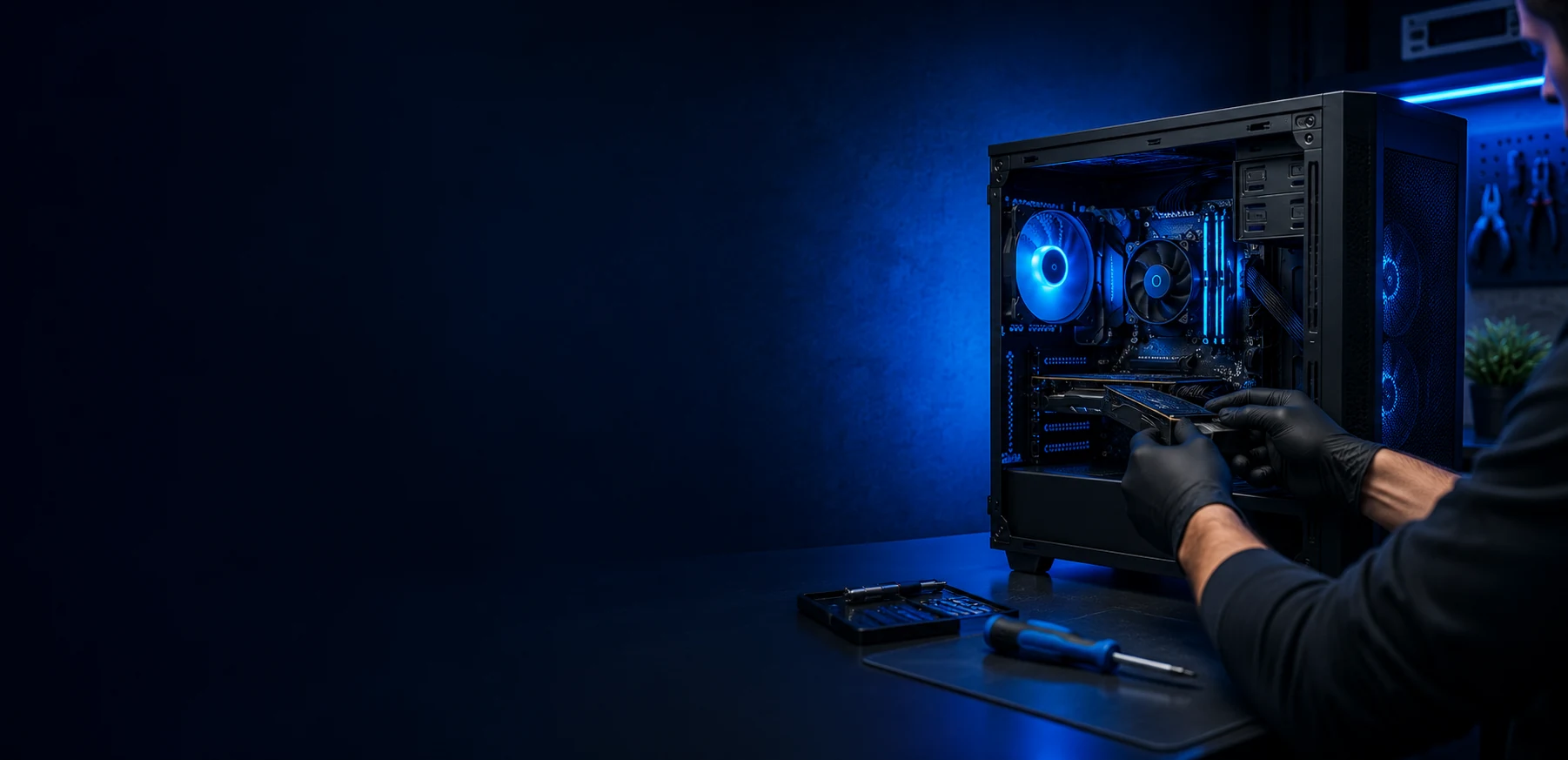
PC assembly from purchased parts or a new configuration for gaming, work, home use, upgrades and stable everyday operation.
Learn more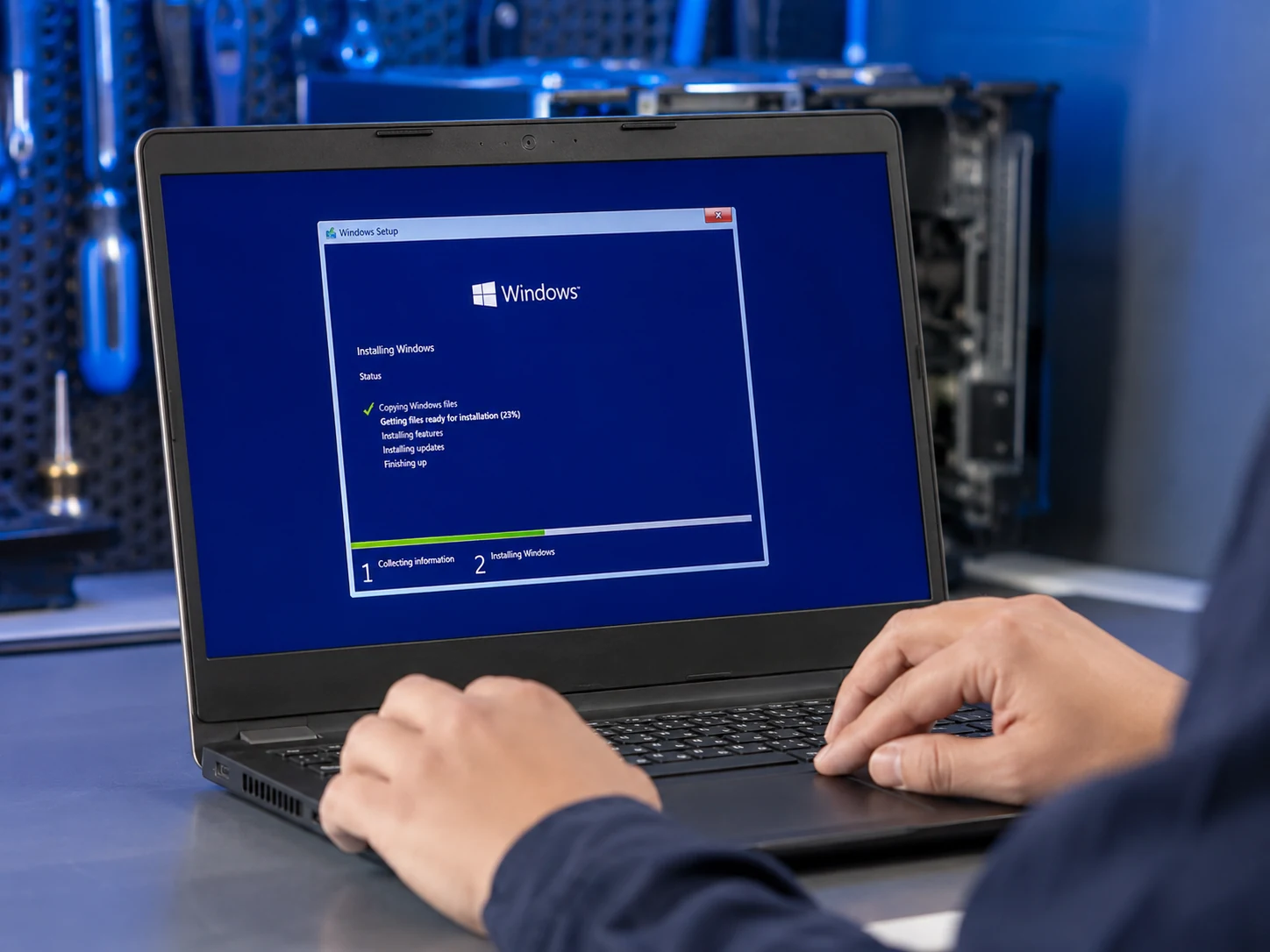
Clean Windows installation or reinstallation with drivers, updates, basic setup and data preservation when technically possible and agreed beforehand.
Learn more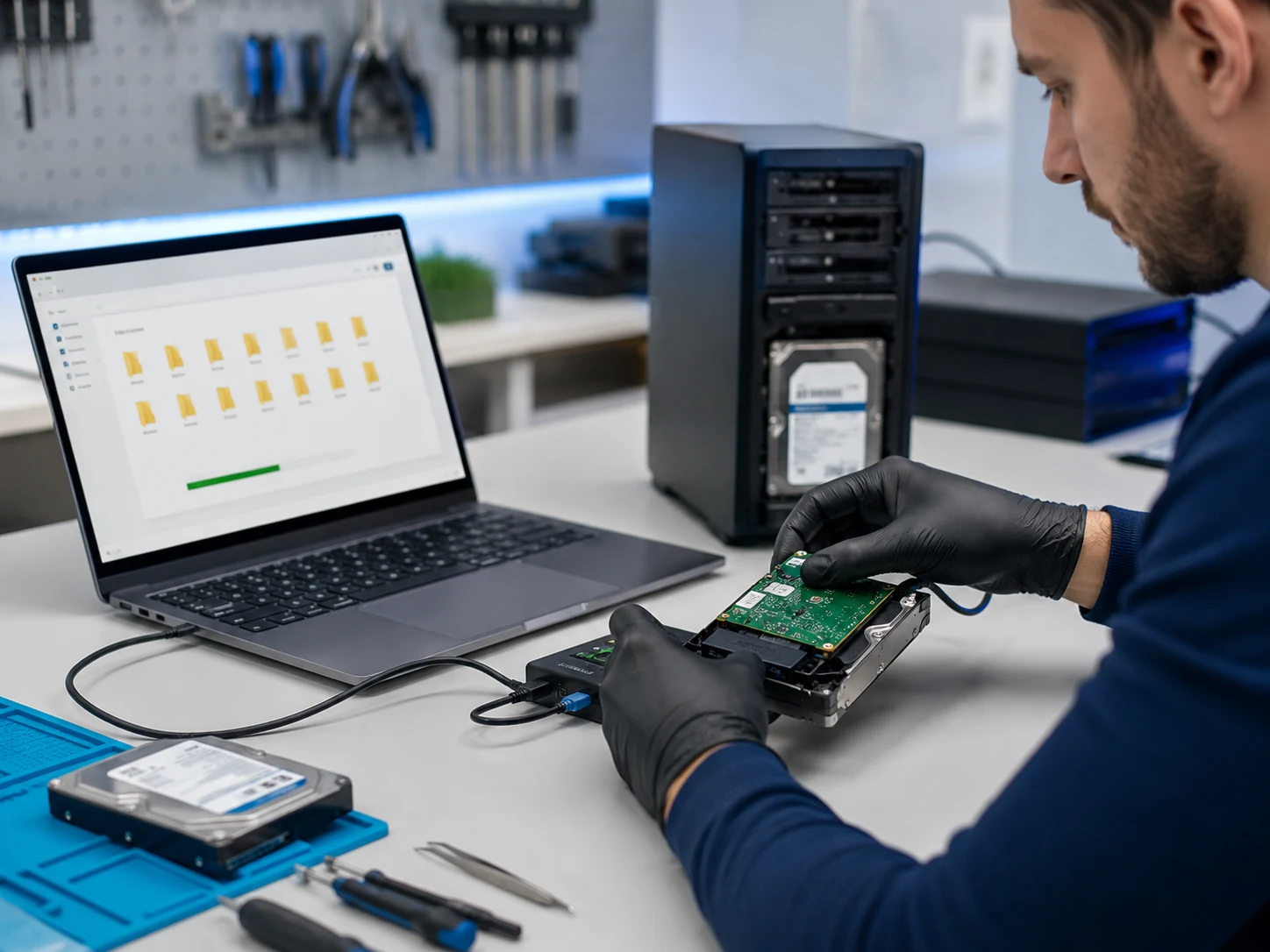
For deleted files, inaccessible drives, Windows that no longer starts, missing partitions or data needed from an old computer.
Learn more
For no-power faults, short circuits, liquid traces, damaged ports, charging circuit faults and devices where simple part replacement is not enough.
Learn more