Data Recovery in Batumi and Tbilisi
For deleted files, inaccessible drives, Windows that no longer starts, missing partitions or data needed from an old computer.
- HDD, SSD, flash and external drives
- Do not write new files before assessment
- Drive condition checked first
- Recovery result depends on media state

When it is better not to experiment
Files were deleted
Windows no longer starts
The drive is not detected
The SSD or HDD works intermittently
A partition disappeared
Data is needed from an old computer
Before attempting recovery
Do not write new files to the problem drive, do not reinstall Windows before assessment and do not open the storage device yourself.
The result depends on the media condition, and recovery cannot be guaranteed before diagnosis.
What to do and what to avoid
Recommended before assessment
- Stop using the problem drive
- Describe what happened
- Tell which files are important
- Keep the device powered off if the drive clicks or disconnects
Avoid before assessment
- Saving new files to the drive
- Reinstalling Windows
- Formatting again
- Opening the drive body yourself
What to send for a first estimate
The storage type and symptom matter more than a long story.
- SSD, HDD, flash drive or external drive
- What disappeared or stopped opening
- Whether Windows still starts
- Whether the drive is detected
- Approximate amount of important data
Price guidance
The final price depends on the storage type, its condition, the amount of data and the complexity of the recovery process.
Frequently asked questions
Can data always be recovered?
No. The result depends on the damage type and media condition. Chances can be estimated only after assessment.
If Windows does not start, should I reinstall it?
Not before important files are assessed. Reinstallation can overwrite data and reduce recovery chances.
What should I write in the first message?
Storage type, what happened, whether the drive is detected and which files are most important.
Can I keep trying if the drive appears sometimes?
It is safer to stop. Repeated attempts can make unstable media worse.
Do you work only with internal drives?
No. HDD, SSD, flash drives and external drives can be assessed depending on condition.
Useful pages
Related services and supporting pages for the same problem.
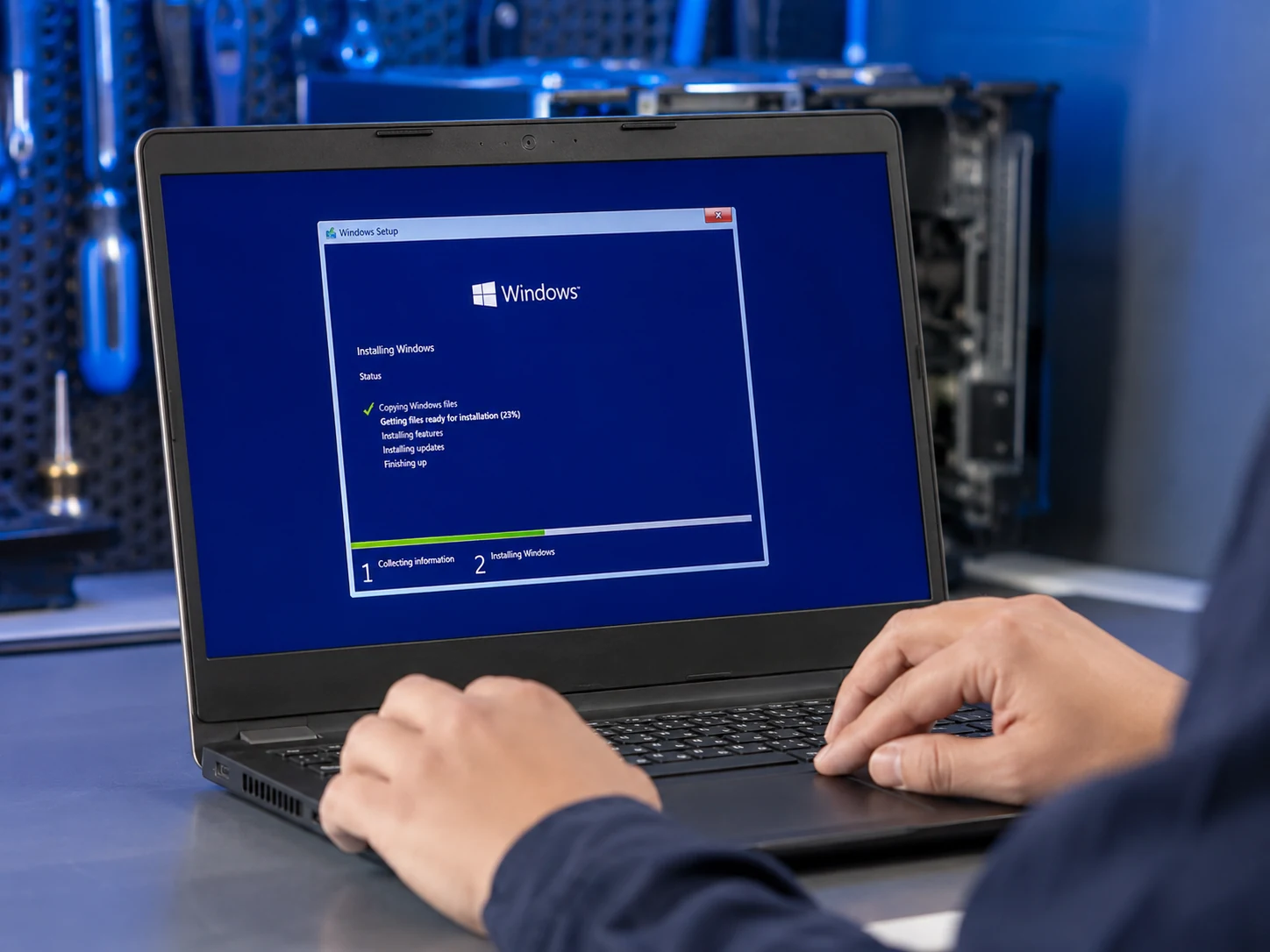
Windows installation
Clean Windows installation or reinstallation with drivers, updates, basic setup and data preservation when technically possible and agreed beforehand.
Learn more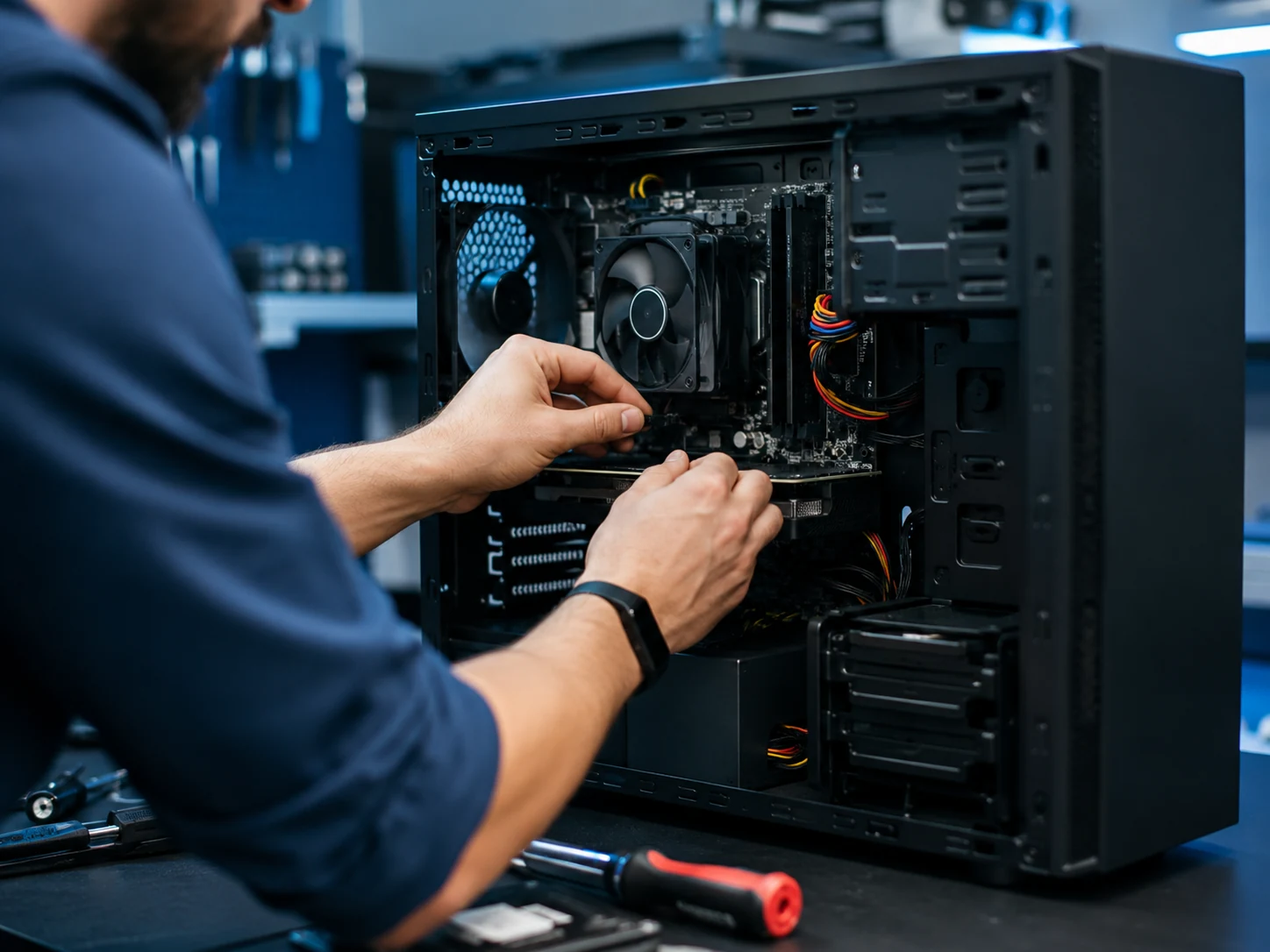
Desktop computer repair
For desktop computers that do not start, show no image, restart under load, overheat, become noisy or need component testing.
Learn more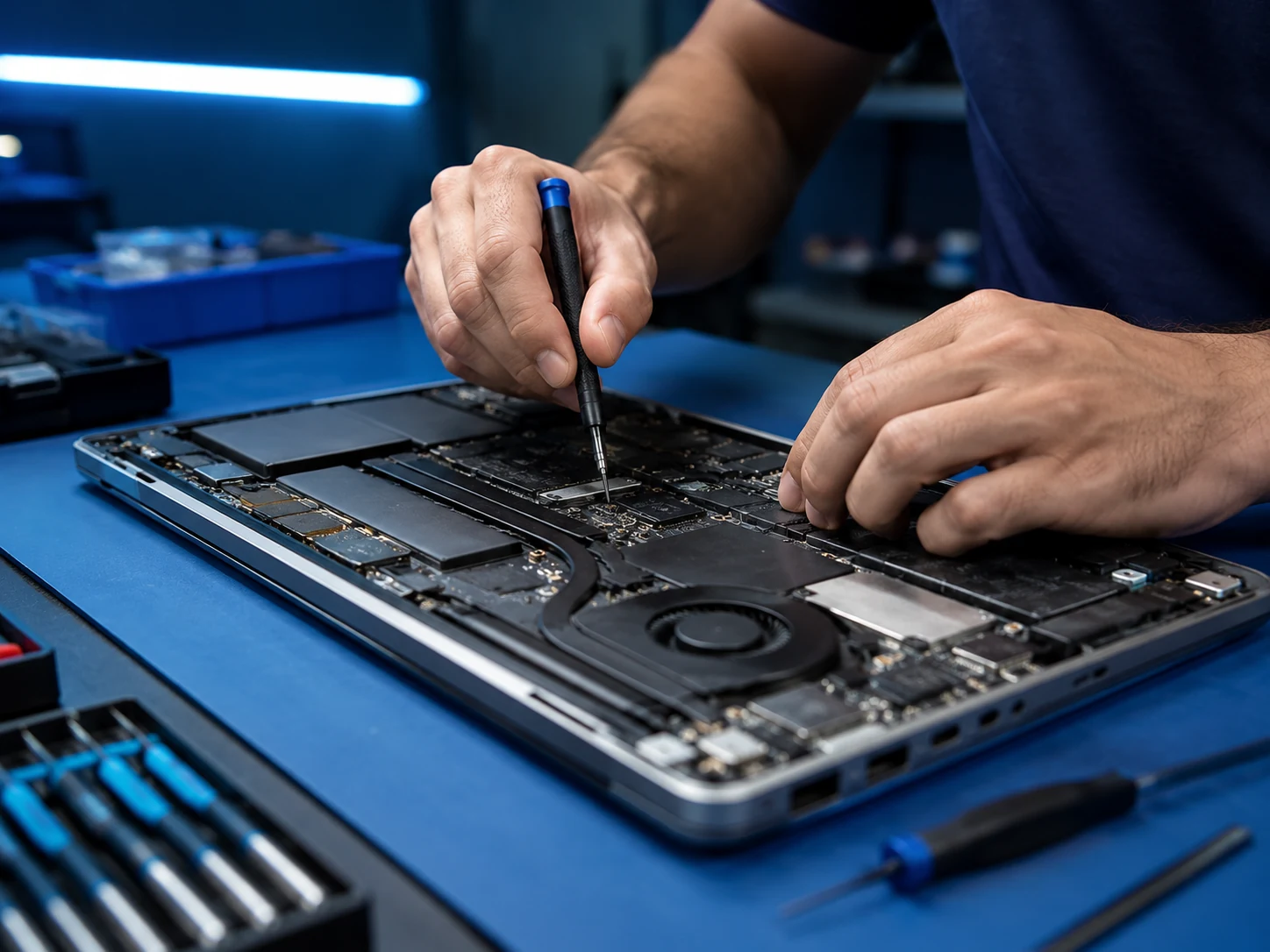
Laptop repair
For laptops that do not turn on, do not charge, overheat, run slowly, show a black screen or were damaged by liquid or impact.
Learn more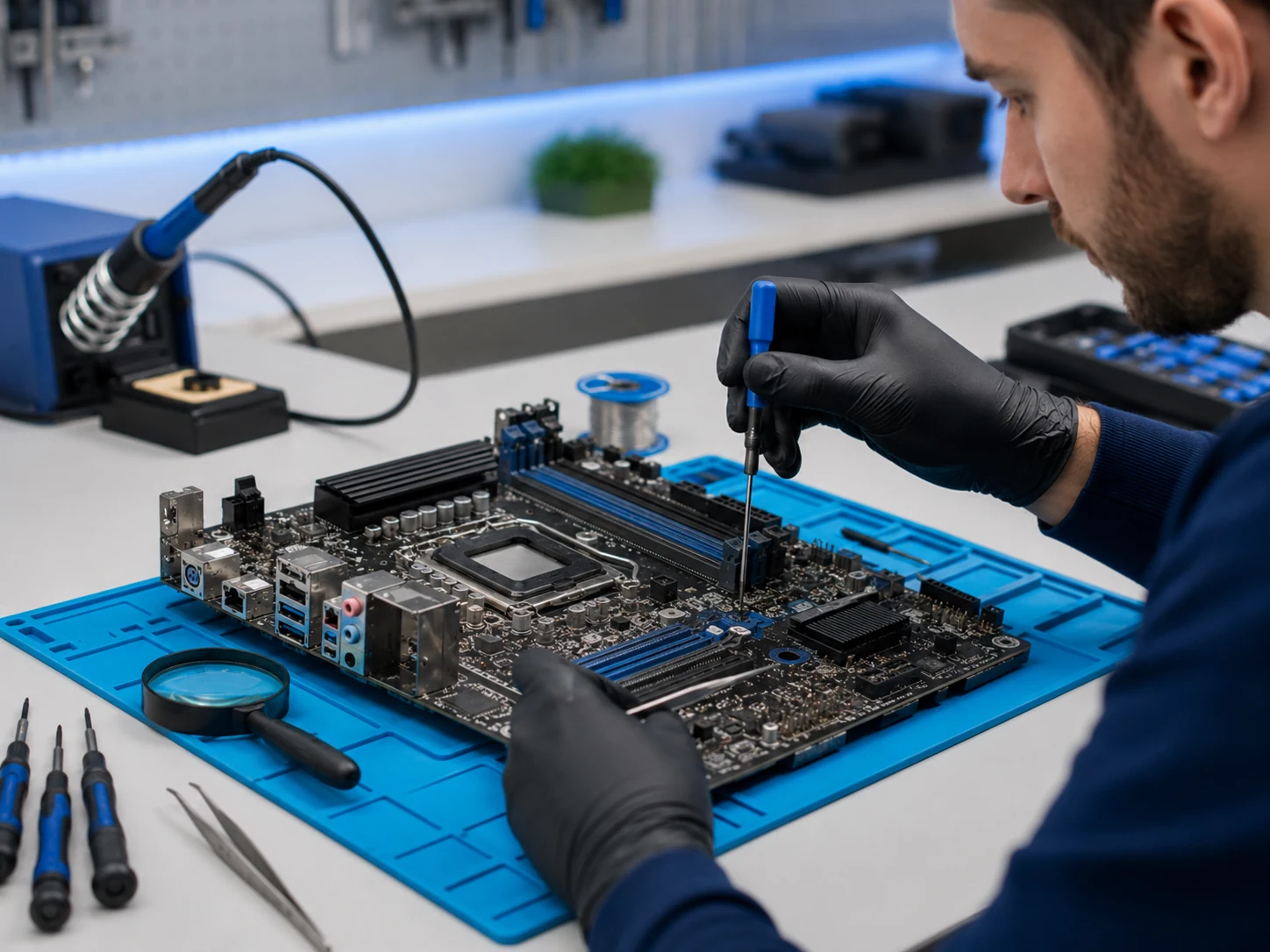
Motherboard repair
For no-power faults, short circuits, liquid traces, damaged ports, charging circuit faults and devices where simple part replacement is not enough.
Learn more