No power
What we check first
Charger, connector, power button and board power rails.
Recommended repair option
Power repair, connector work or motherboard diagnosis.
For laptops that do not turn on, do not charge, overheat, run slowly, show a black screen or were damaged by liquid or impact.

We first check the power circuit, charger, charging connector, temperatures, storage, RAM, screen and display cable.
If there are signs of liquid or impact, the device needs a more careful workshop diagnosis before any repair option is confirmed.
Charger, connector, power button and board power rails.
Power repair, connector work or motherboard diagnosis.
Fan, radiator, dust, thermal paste and temperature behavior under load.
Cleaning, thermal service or deeper cooling repair.
Matrix, display cable, external output and board video section.
Screen replacement, cable repair or board diagnosis.
SSD/HDD health, RAM, Windows errors and temperatures.
Storage replacement, system setup or cooling service.
The final price depends on the model, fault, part availability and whether workshop diagnosis is needed.
No. The reason can be the charger, charging connector, battery, power button, short circuit or motherboard. Diagnosis separates these causes.
For common symptoms, an approximate range is often possible from the model and description. Complex faults need inspection.
Turn the laptop off, do not charge it and do not try to heat it. Send the model and describe what liquid entered the device.
Usually the drive is checked separately. If files are important, say this before any Windows or storage work starts.
That depends on the model, part cost and expected use. We can compare the repair option with replacement before work starts.
Yes. A model photo and a short video of the symptom often help with the first estimate.
Related services and supporting pages for the same problem.
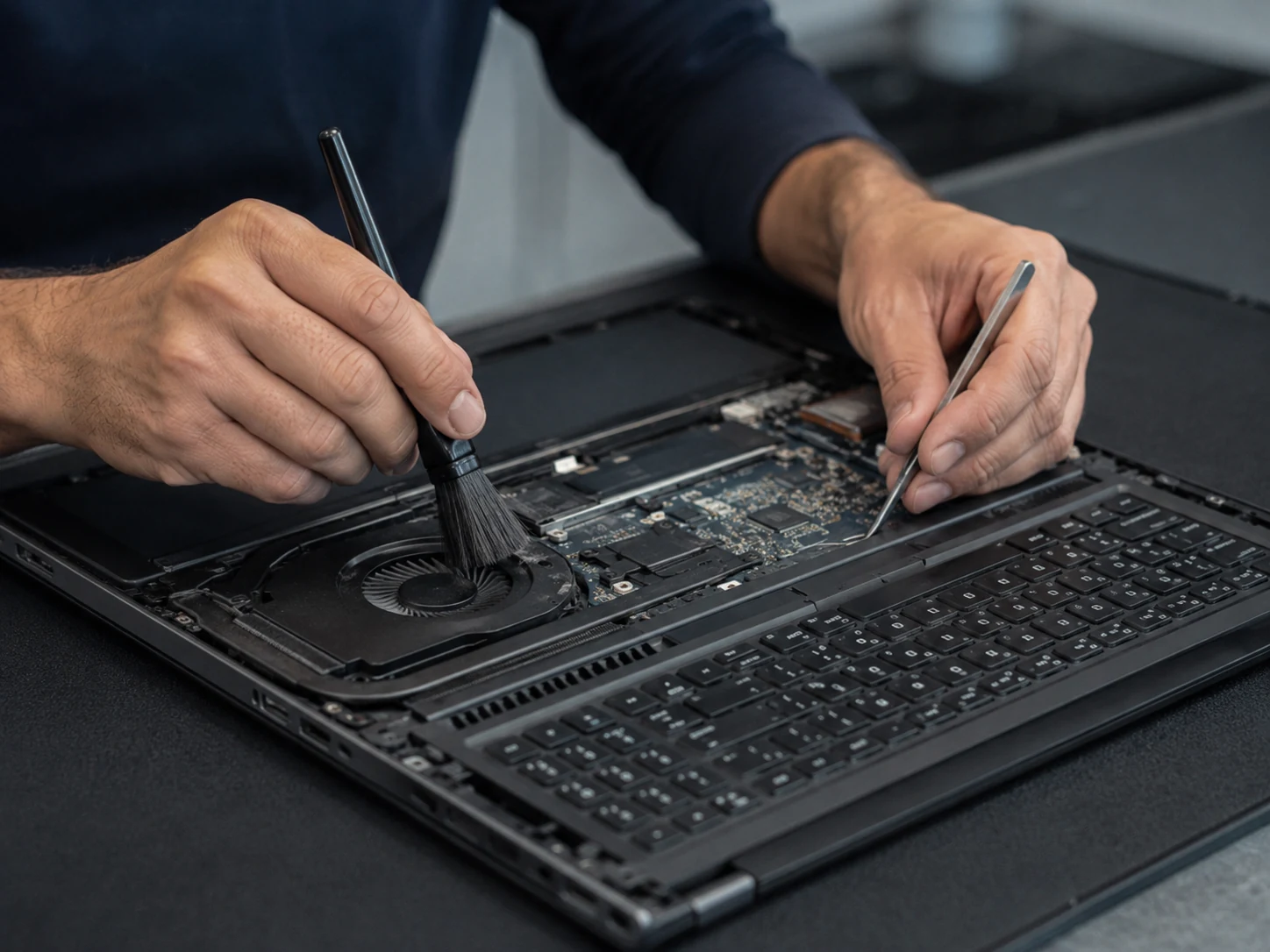
Cooling maintenance for laptops that become hot, run loud, lose performance under load or have not been cleaned for a long time.
Learn more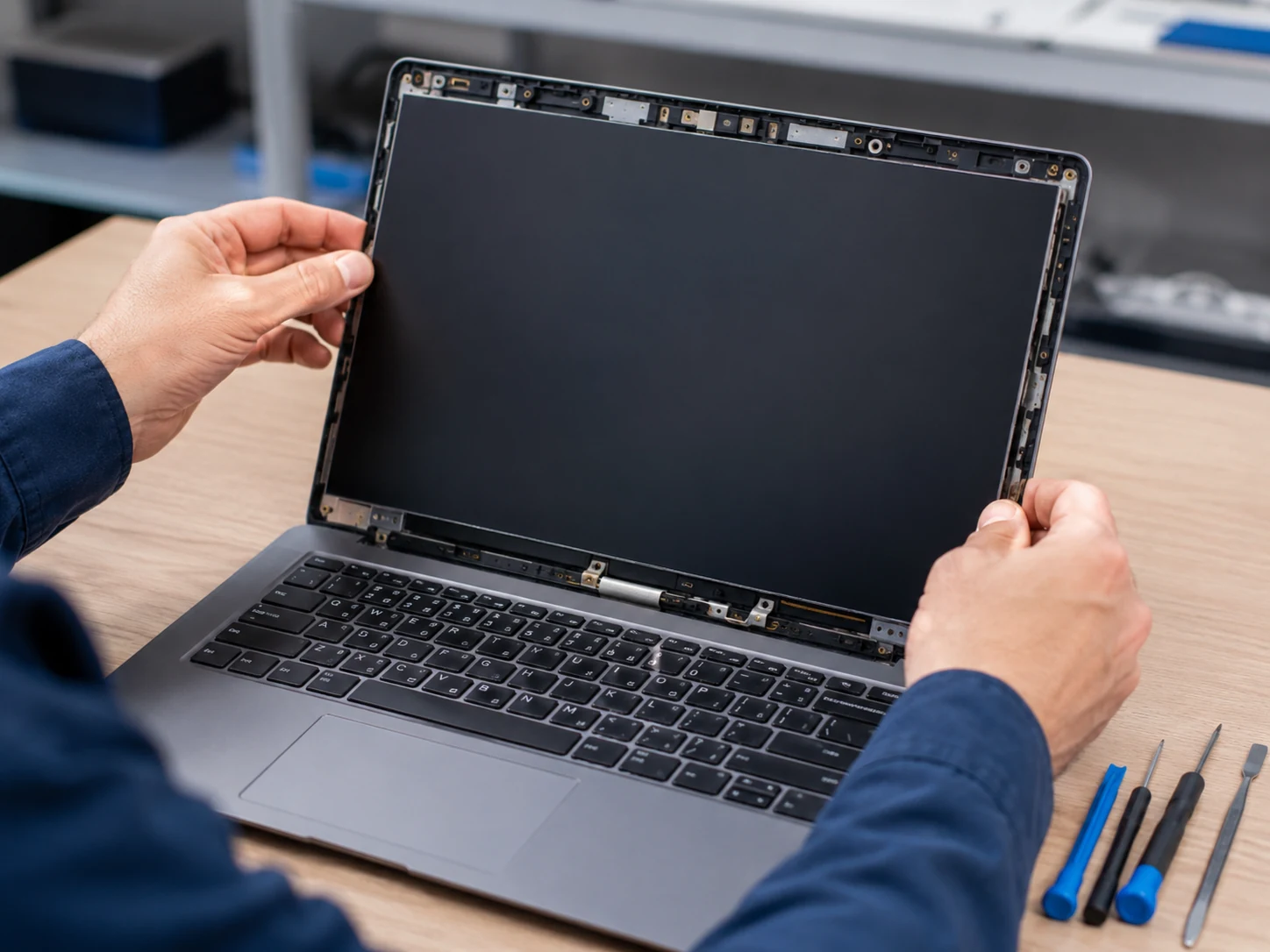
For cracked laptop screens, lines, spots, flicker, no backlight, no image or image changes when the lid moves.
Learn more
For keys that do not work, repeat, type the wrong characters, stick after liquid damage or require a keyboard integrated into the top case.
Learn more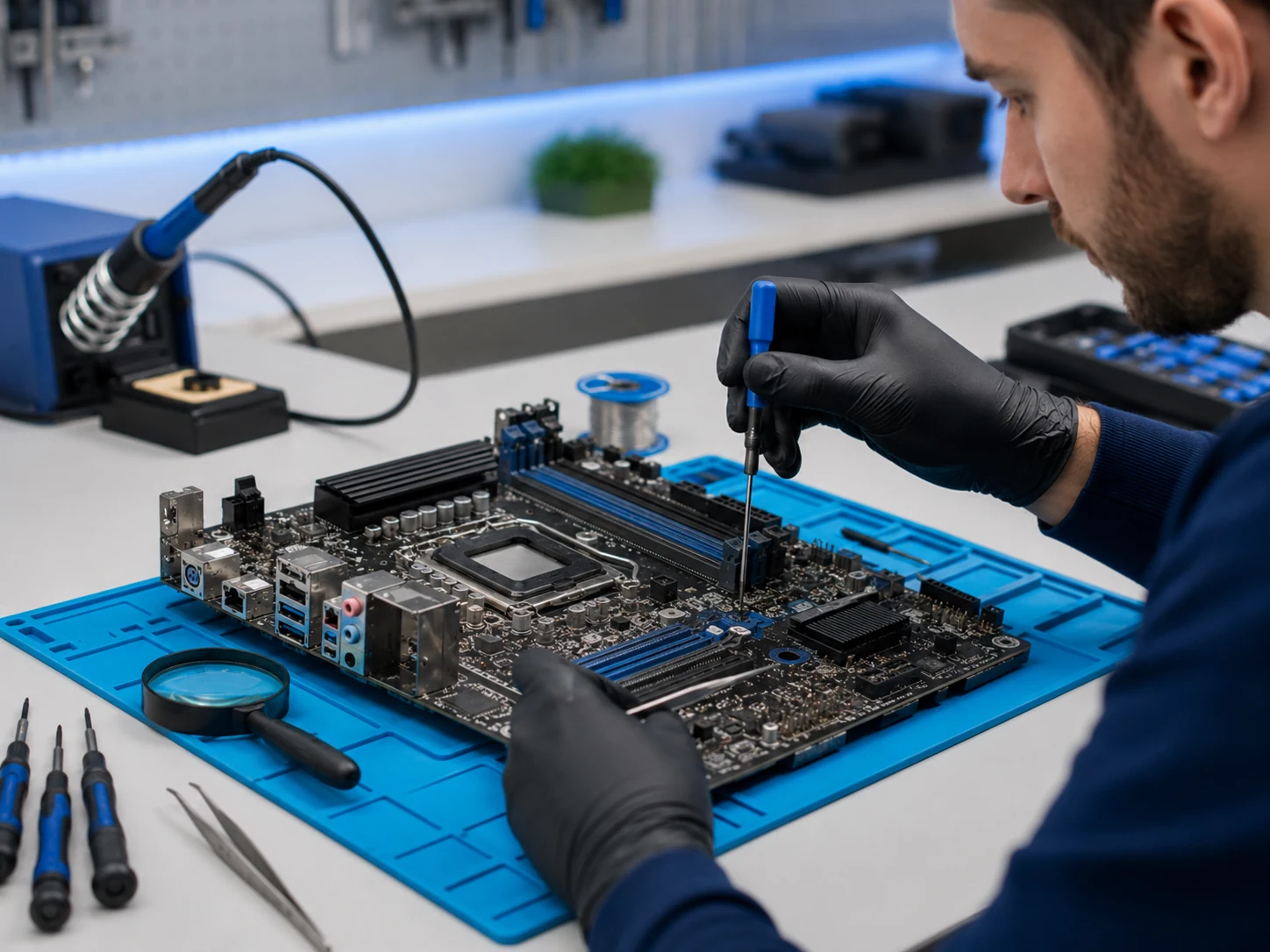
For no-power faults, short circuits, liquid traces, damaged ports, charging circuit faults and devices where simple part replacement is not enough.
Learn more