Laptop Cleaning in Batumi and Tbilisi
Cooling maintenance for laptops that become hot, run loud, lose performance under load or have not been cleaned for a long time.
- Model-aware disassembly
- Dust removal and cooling-system cleaning
- Fan and radiator inspection
- Temperature check after assembly
Signs that the laptop needs cooling service
The laptop becomes hot
The fan is constantly loud
Performance drops under load
The case becomes very hot
The laptop has not been cleaned for a long time
The device shuts down during demanding work
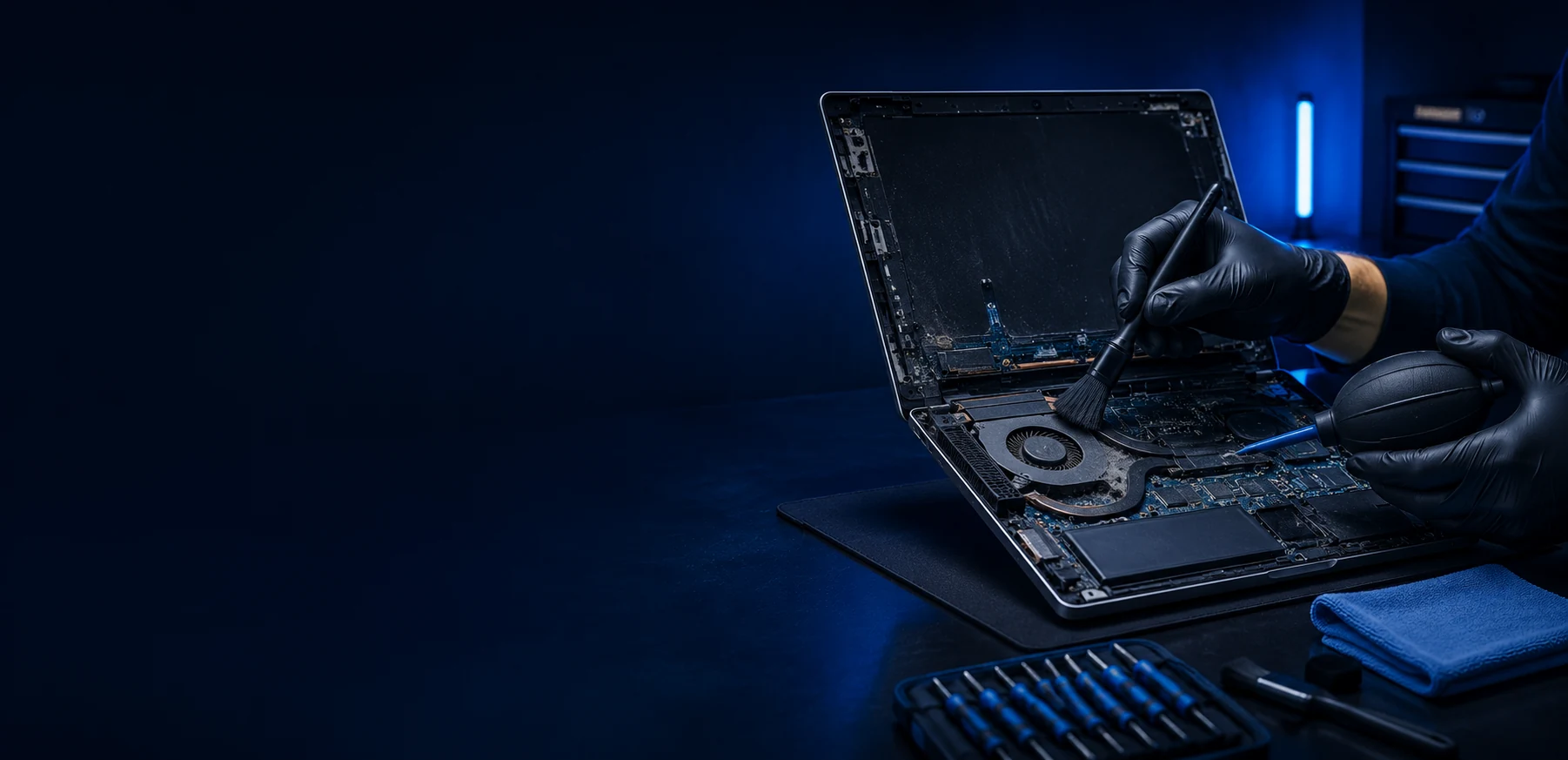
What is done during cooling maintenance
Depending on the model, we disassemble the laptop, remove dust, clean the cooling system, check the fan and replace thermal paste when agreed.
After assembly, temperatures are checked so we can see whether the cleaning solved the overheating symptom.
When cleaning helps and when diagnosis is needed
Cleaning usually helps when
- Dust blocks the radiator
- The fan is loud because airflow is weak
- Thermal paste is old
- Temperatures rise under load
Further diagnosis is needed when
- The fan is damaged
- The radiator is bent or blocked internally
- Temperatures remain high after cleaning
- The laptop shuts down even at low temperatures
What to send before the estimate
A few details are enough to choose the right service format.
- Laptop model
- How long it has not been cleaned
- When the fan becomes loud
- Whether the laptop shuts down
- Whether thermal paste replacement is needed
Price guidance
The final price depends on the laptop model, cooling system design, disassembly complexity and whether thermal paste replacement is required.
Frequently asked questions
Does cleaning always fix overheating?
No. Cleaning helps with dust and old thermal interface, but a faulty fan or damaged cooling system needs a different repair.
Should thermal paste be replaced during every cleaning?
Often it makes sense, but the final decision depends on model, condition and agreement before work starts.
If the laptop gets loud only in games, is cleaning still useful?
Yes, high load often reveals cooling problems earlier than office work.
How do I know cleaning should not be delayed?
Shutdowns, very hot body, constant fan noise and performance drops under load are strong signs.
Is cleaning only for old laptops?
No. Gaming and compact laptops can need maintenance earlier because their cooling systems work harder.
Useful pages
Related services and supporting pages for the same problem.
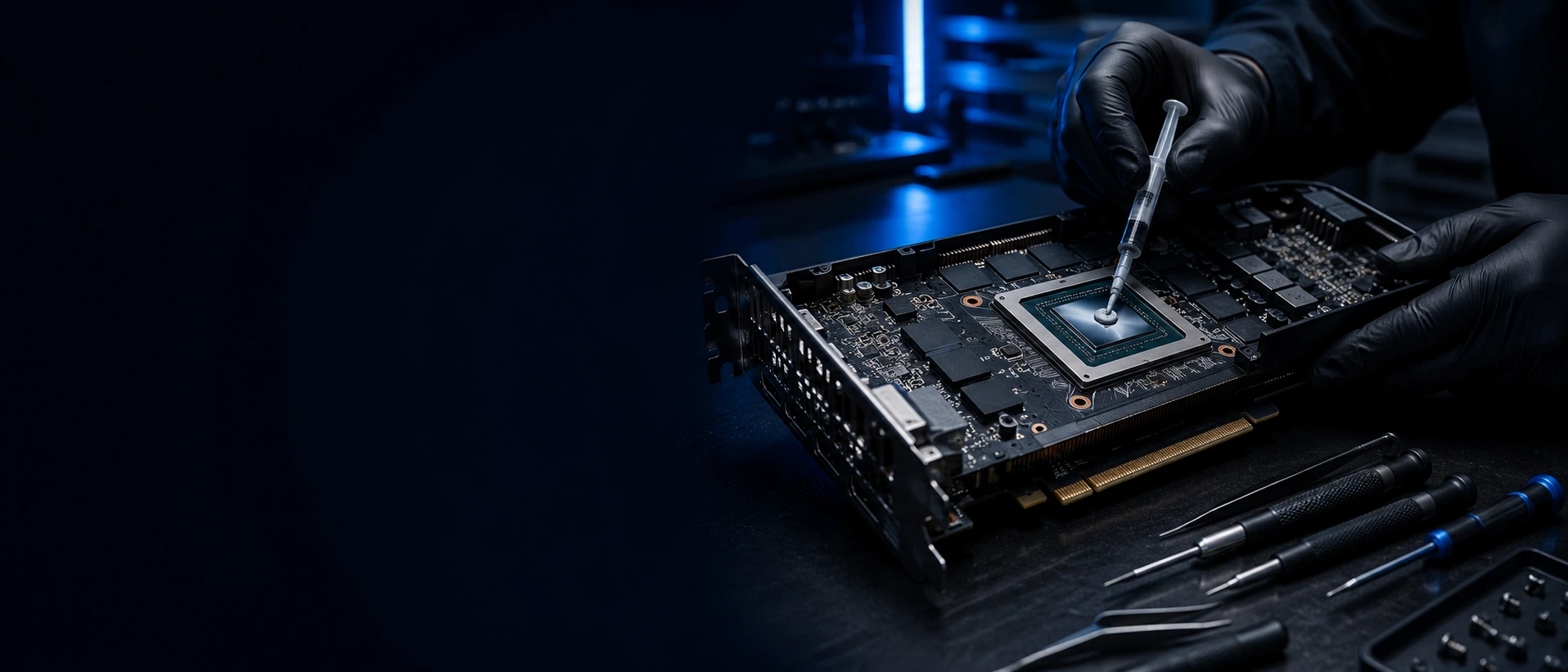
Thermal paste replacement
Thermal paste replacement for laptops, desktop CPUs and some GPUs when temperatures rise, fans become loud or performance drops because of overheating.
Learn more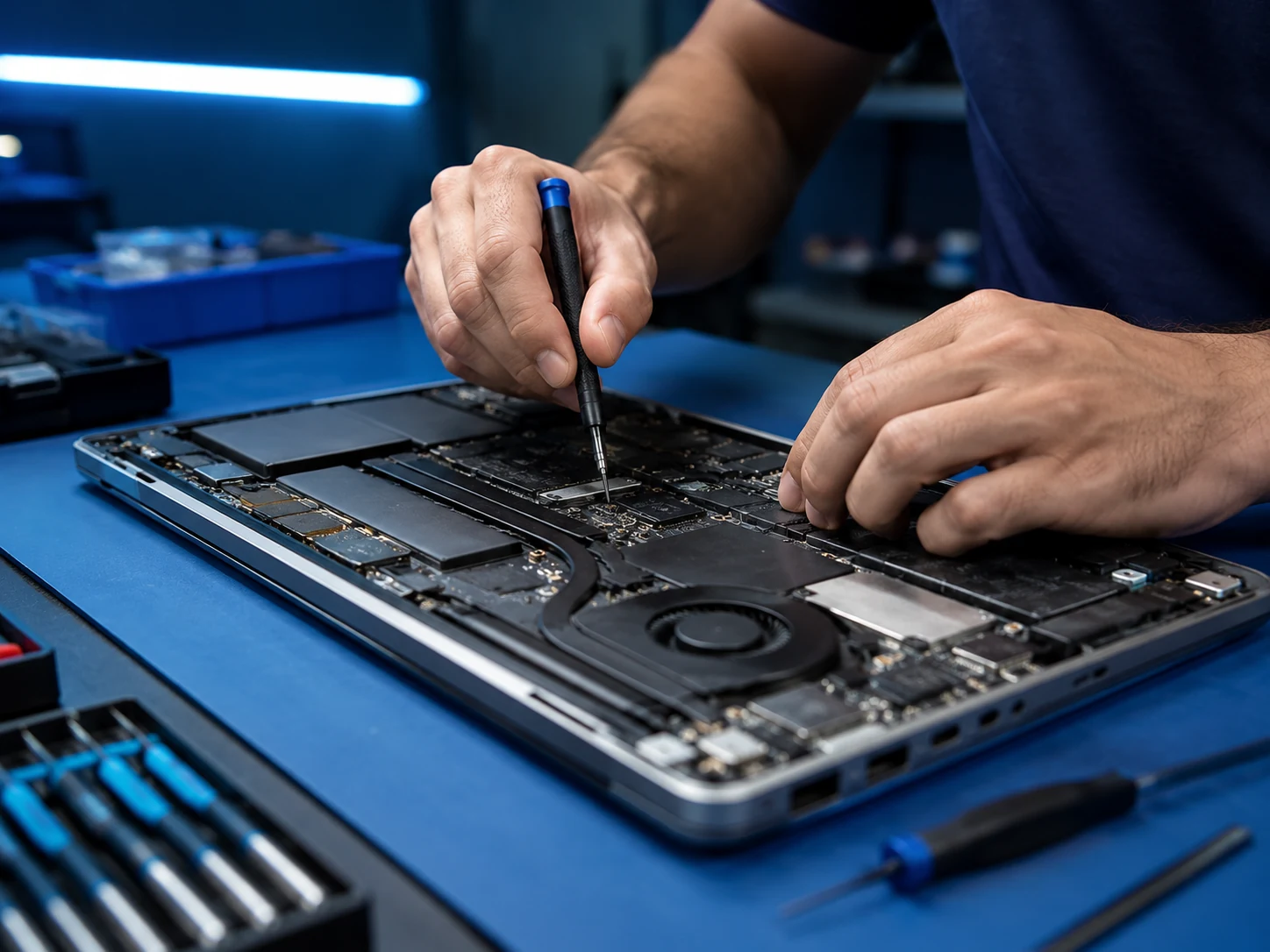
Laptop repair
For laptops that do not turn on, do not charge, overheat, run slowly, show a black screen or were damaged by liquid or impact.
Learn more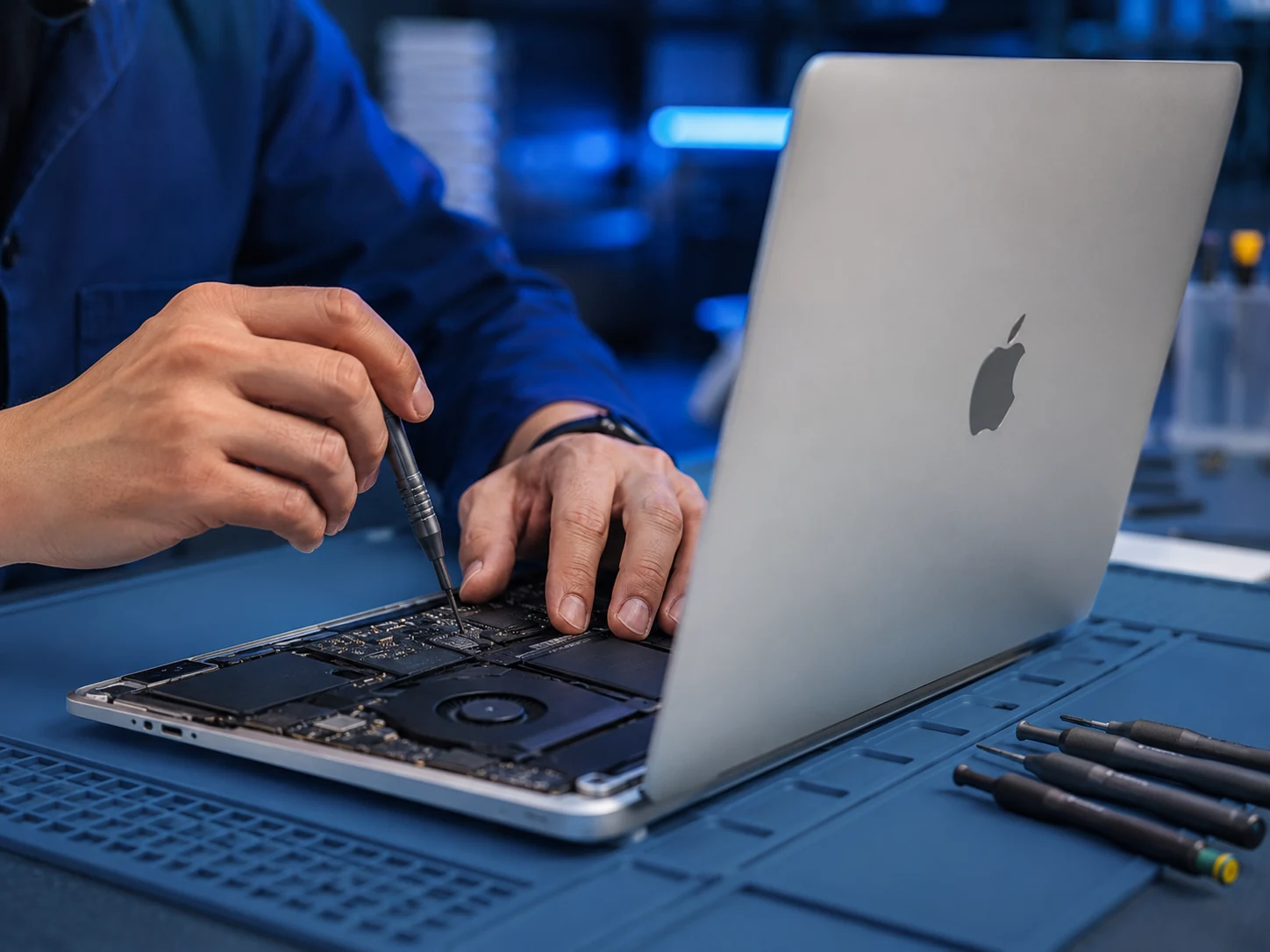
MacBook repair
For MacBook Air and Pro with startup, charging, battery, screen, keyboard, trackpad, overheating or liquid-damage problems.
Learn more
Motherboard repair
For no-power faults, short circuits, liquid traces, damaged ports, charging circuit faults and devices where simple part replacement is not enough.
Learn more